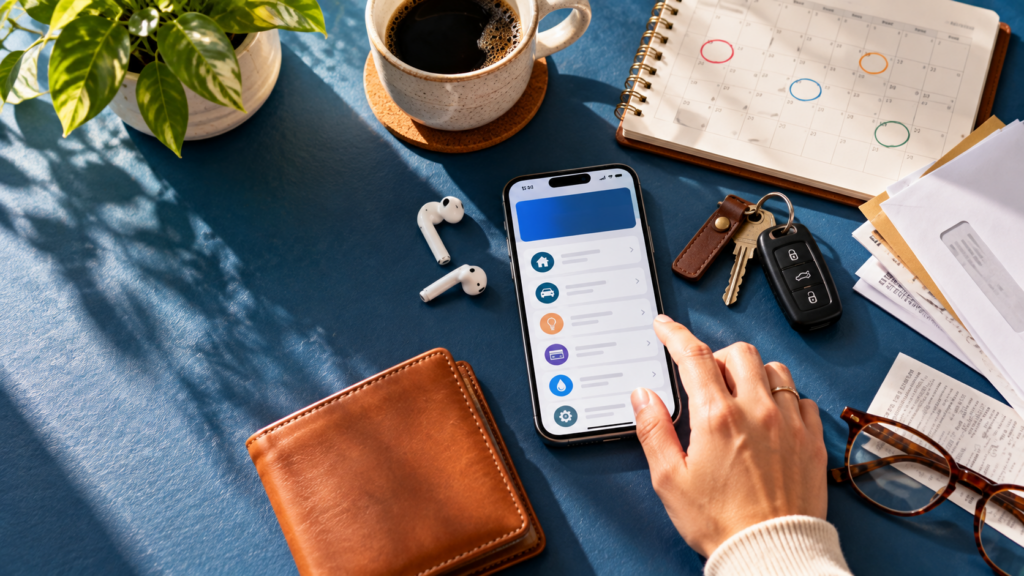
Paying bills from your phone can make one of the more routine parts of managing money a lot easier. Instead of keeping track of checks or visiting multiple websites, mobile banking bill pay can put much of that activity in one place.
The convenience is real, but there are still a few things worth understanding. Payment timing, account balances, security, and even the difference between a bill payment and a transfer can affect how smoothly everything works.
Key Takeaways: Mobile Banking App Bill Pay
- Mobile bill pay can make scheduling and tracking payments more convenient.
- Payment delivery times can vary, so pay attention to estimated delivery dates.
- Automatic payments still need to be reviewed regularly.
- Security depends on both your bank’s protections and how you protect your device.
- TBO Bank mobile banking includes access to bill pay, balances, transfers, and other available account tools.
10 Things to Know About Paying Bills Through a Banking App
1. Confirm Your App Uses Strong Security Measures
Security should be one of your first considerations. TBO Bank’s Online Security information describes protections including 256-bit SSL encryption and multi-layered authentication.
The Federal Trade Commission also recommends using strong passwords, enabling multi-factor authentication when available, keeping software updated, and being cautious about unexpected requests for personal information.
2. Understand Bill Pay Versus Money Transfers
Bill pay and account transfers serve different purposes. Bill pay generally sends money to a business or other payee. A transfer usually moves money between accounts, such as from checking to savings.
Knowing which tool you are using matters because timing and processing may be different.
3. Use Recurring Payments Carefully
Automatic payments can reduce the amount of time you spend managing regular bills, but they should not become invisible.
Review recurring payments periodically and make sure enough money is available to cover them. If the amount of a bill changes, confirm that your payment arrangement still works as intended.
4. Double-Check Payee Details Before Sending
Before scheduling a payment to a new payee, verify the name, account or reference number, amount, and payment date.
If something looks wrong after a payment is submitted, contact your bank as soon as possible. Whether a payment can be stopped or corrected may depend on its status and how it was sent.
5. Track Payments and Account Activity
Mobile banking makes it easier to review transactions without waiting for a monthly statement. Use that visibility.
Check that payments were processed as expected, watch for duplicates, and investigate transactions you do not recognize. Regular monitoring can also give you a clearer picture of everyday spending and how recurring bills affect the money available in your account.
TBO Bank explores this idea further in How to Use a Checking Account for Smarter Spending, including how reviewing balances and transaction history can help you better understand where your money is going.
6. Know How Processing Times Affect Due Dates
Scheduling a payment does not necessarily mean the payee receives it immediately. Delivery times can vary depending on the payee and how the payment is processed.
Review the estimated delivery date before confirming a payment and consider allowing extra time when late fees or other consequences could apply.
7. Use Alerts and Notifications When Available
Account alerts can provide another useful layer of awareness. Depending on your banking service, available alerts may help you monitor balances, transactions, or other account activity.
The important part is not simply turning notifications on. Pay attention when one arrives, particularly when it involves activity you do not recognize.
8. Know Which TBO Bank Mobile Banking Experience You Use
TBO Bank offers Mobile Banking, but the specific experience can depend on where and how your account was opened.
TBO Bank’s Orrick branch banking system and Digital Branch banking system operate independently. Customers should use the mobile banking option associated with their account and ask TBO Bank if they are unsure which system applies.
9. Review Your Budget After Automating Bills
Automatic bill pay can make expenses easier to manage, but it can also make them easier to overlook.
Periodically add up your recurring obligations and compare them with your income and other expenses. Automation should make money management simpler, not make you less aware of where your money is going.
10. Protect Your Phone Like a Financial Device
Your phone may provide direct access to your financial information. Keep it locked, use strong login credentials, install software and banking app updates, and avoid sharing passwords or verification codes.
Be cautious when accessing financial accounts over unsecured public Wi-Fi. Mobile banking is also only one way phones are changing everyday payments. TBO Bank’s Leave Your Wallet Behind explains how mobile wallets can be used for contactless payments with Apple Pay, Google Pay, and Samsung Pay on compatible devices.
FAQs About Mobile Banking App Bill Pay
Is it safe to pay bills through a mobile banking app?
Banking apps can include multiple security protections, but customers should also protect their devices, passwords, and account credentials.
How long does mobile bill pay take?
Timing varies depending on the bank, payee, and payment method. Check the estimated delivery date when scheduling a payment.
Is bill pay the same as transferring money?
No. Bill pay generally sends money to a payee, while a transfer typically moves money between accounts.
Can I schedule bills from my phone?
Many mobile banking services include bill pay and scheduling capabilities. Available features can vary, so check the options provided for your specific account.
Mobile bill pay works best when convenience and attention go together. At TBO Bank, customers can access available mobile banking tools for bill pay, balances, transfers, and everyday account management while still having local banking support when they need it.